Real-time dashboards for your ESP32 fleet.
Fluxgrid is the fastest way to connect an ESP32 to the cloud. Flash a ten-line sketch, drag widgets onto a canvas, and watch your devices go live — then publish the dashboard with a single link.
From zero to live in ten lines
Complex inside — WiFi, MQTT, TLS, auto-reconnect and online/offline presence. Simple outside: a complete device is about ten lines of Arduino.
#define WIFI_SSID  "my-wifi"
#define WIFI_PASS  "my-pass"
#define FG_TOKEN   "DEVICE_TOKEN"  // one per device
#include <Fluxgrid.h>

void setup() {
  Fluxgrid.begin();   // WiFi + cloud, TLS built in
}

void loop() {
  Fluxgrid.run();
  Fluxgrid.write("temp", readTemp());  // push a reading
  digitalWrite(2, Fluxgrid.read("relay").asBool());
}
Telemetry flows up
write("temp", …) updates any Gauge, Value or Chart bound to that datastream — live, the moment it changes.
Control comes down
Drop a Switch or Slider on the canvas and read it back on the device with read("relay").
Presence is automatic
Devices report online/offline on their own via MQTT last-will and a heartbeat — widgets grey out the instant a board drops.
From cold board to live panel.
No backend to stand up, no broker to configure. Flash, define, drop — your dashboard is streaming.
Pair a device
Add a device on the dashboard and paste its one-string token into the sketch. Each device gets its own secure MQTT credentials.
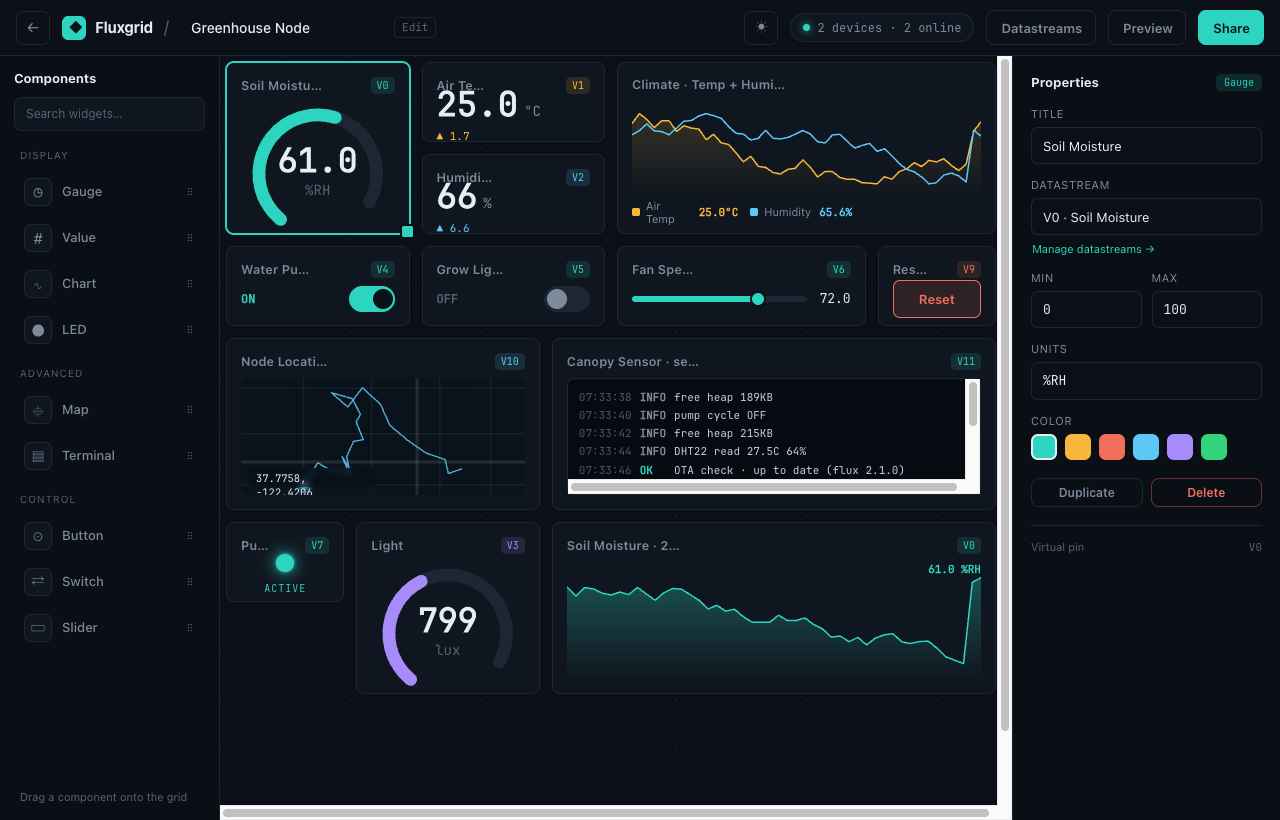
Drop widgets
Drag gauges, charts, switches, maps and instruments onto the canvas. Each widget creates the datastream your sketch writes to.
Publish & share
Publish to a public link or embed it in your own site — live data, no login required for viewers.
A widget for every signal
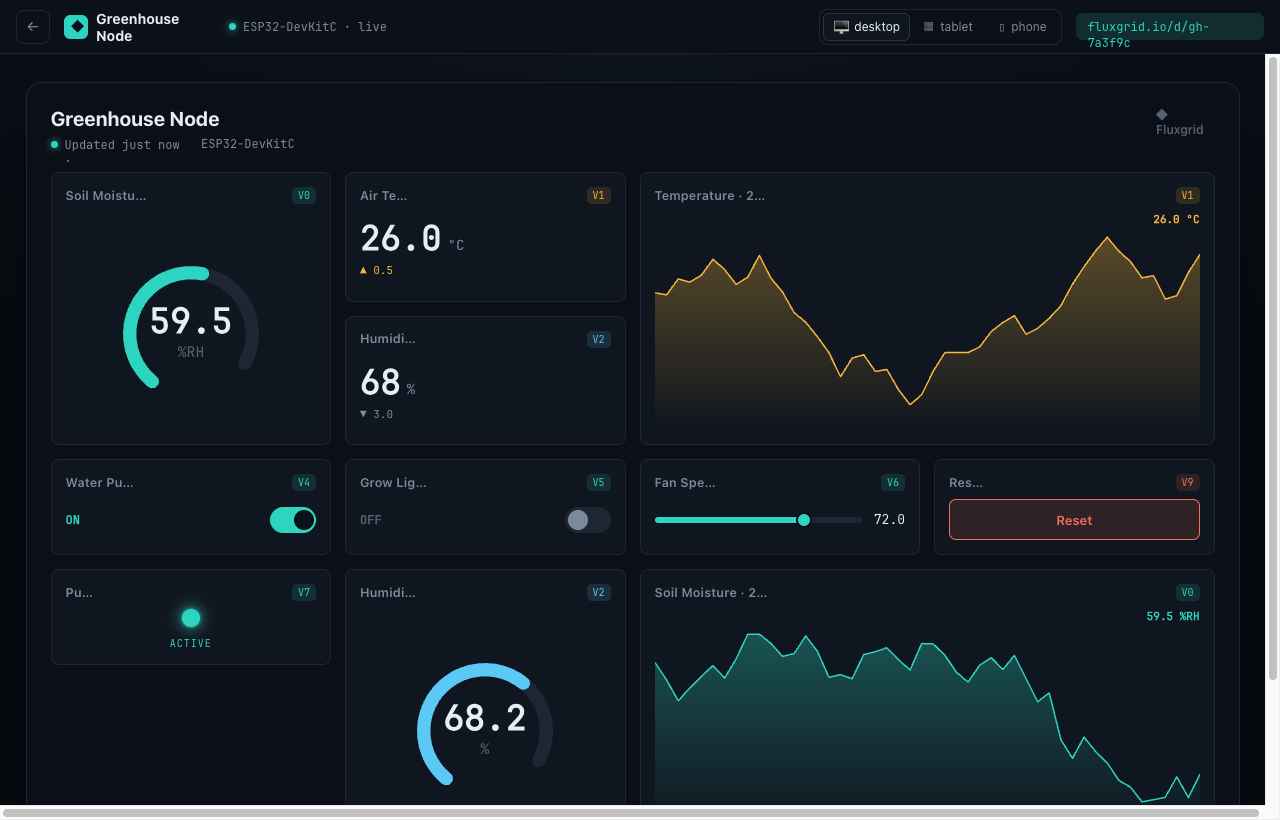
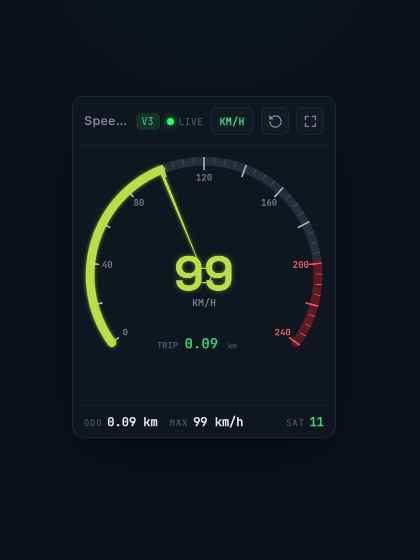
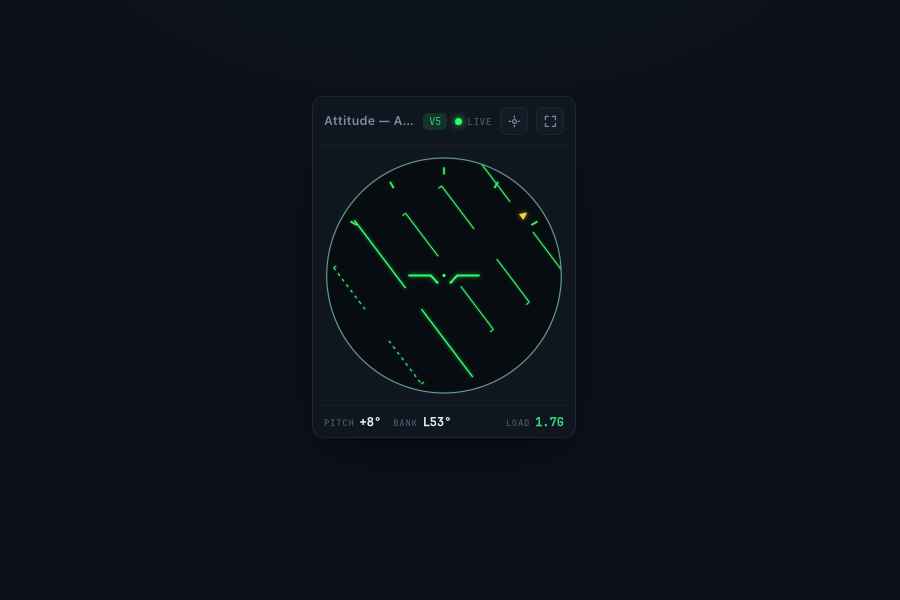
These are real Fluxgrid widgets running on synthetic data. Switch a category — or just watch them move.
Read live telemetry — dials, charts, levels and numbers that move the moment a value changes.
From a single board to the whole field
Fluxgrid scales from a weekend project to fleets in production — same widgets, same ten-line library.
Your home, on one screen.
Wire up a relay, a sensor, an LED — and check or control them from anywhere, no hub or subscription.
- Smart-home automations without a cloud account per gadget
- Energy, temperature and air quality at a glance
- Share a read-only dashboard with the whole family
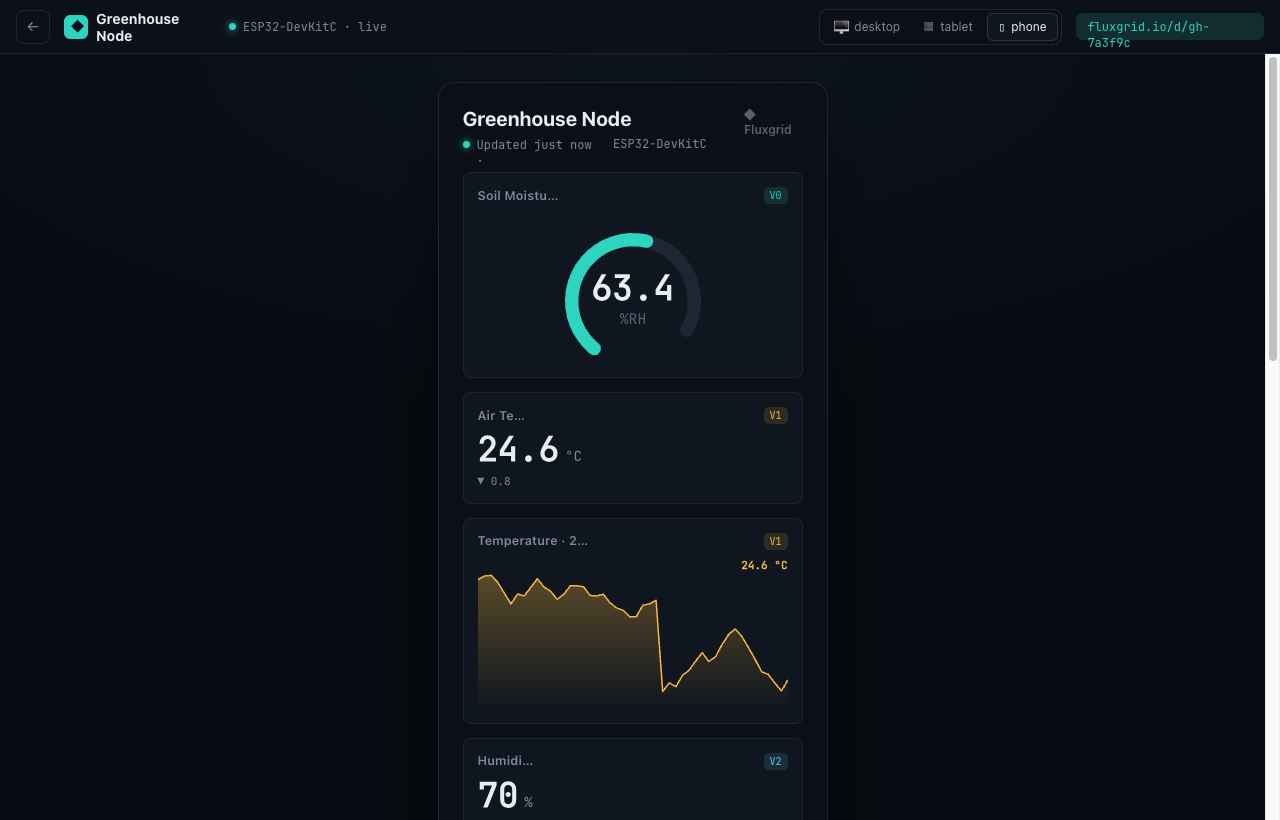
Built once. Live on every screen.
The same dashboard you design on desktop reflows into a clean mobile view — no second app, no extra layout work.
Give your hardware a dashboard worth showing off.
Spin up your first live panel in minutes. Bring any ESP32 — Fluxgrid handles the transport, storage and rendering.